Smart Locks in Southwest Florida: What You Need to Know
Smart locks are a popular upgrade for homes throughout Fort Myers, Naples, Cape Coral, and the broader Southwest Florida area. But Florida's climate — high humidity, salt air, and year-round heat — creates challenges that consumers in other states do not face. A smart lock that works perfectly in a climate-controlled showroom may struggle on a Fort Myers front door.
This guide covers what to look for, which brands perform well in the Florida climate, and when professional installation is worth the investment.
Florida Climate Considerations for Smart Locks
Before choosing a smart lock, understand the environment it will live in:
- High humidity: Southwest Florida regularly sees humidity levels above 80–90%. Electronic components, batteries, and mechanical parts are all affected by prolonged moisture exposure.
- Salt air: Coastal communities like Bonita Beach, Fort Myers Beach, Marco Island, and Cape Coral experience corrosive salt air that accelerates wear on metal components.
- Heat: Interior door hardware in direct sun can reach extreme temperatures. Touchscreens and batteries are affected.
- Seasonal residents: Snowbirds leaving for 4–6 months need smart locks that handle long idle periods reliably, with remote management capability.
Look for smart locks rated for outdoor/exposed door use, with weather-resistant or IP-rated enclosures. ANSI Grade 1 or Grade 2 ratings indicate durability testing that matters in harsh climates.
Top Smart Lock Brands for Southwest Florida Homes
Schlage Encode Plus
The Schlage Encode Plus is widely considered the most durable consumer smart lock available. It features a built-in WiFi chip (no separate hub required), HomeKit and Alexa compatibility, and an ANSI Grade 1 mechanical rating. The metal housing holds up well in coastal conditions. Best for: homeowners who want reliability over advanced features.
Kwikset Halo Touch
The Kwikset Halo Touch adds fingerprint biometric entry to WiFi connectivity. It is a good option for households that prefer keyless entry without fumbling for a code. Battery life is solid, and the app is straightforward. Best for: families who want fingerprint convenience with WiFi remote access.
Yale Assure Lock 2
Yale's Assure Lock 2 series offers a clean, low-profile design with multiple connectivity options (WiFi, Z-Wave, Zigbee). It integrates well with smart home systems. The touchscreen is responsive even in humidity. Best for: smart home enthusiasts who want full integration with existing systems.
August WiFi Smart Lock
The August WiFi lock installs over your existing deadbolt, so you keep your current keys. It is ideal for renters or homeowners who do not want to replace existing hardware. The main trade-off is that it is purely interior-mounted and relies on your existing exterior hardware remaining in place. Best for: renters and owners who want smart access without replacing exterior hardware.
Keypad vs. App vs. Biometric — Which Is Right for You?
Keypad Entry
Keypad locks are the most practical for most Southwest Florida homeowners. You can create temporary codes for housecleaners, contractors, or guests without handing out physical keys. For seasonal residents, a keypad means you can give your property manager a code remotely.
App-Based Entry
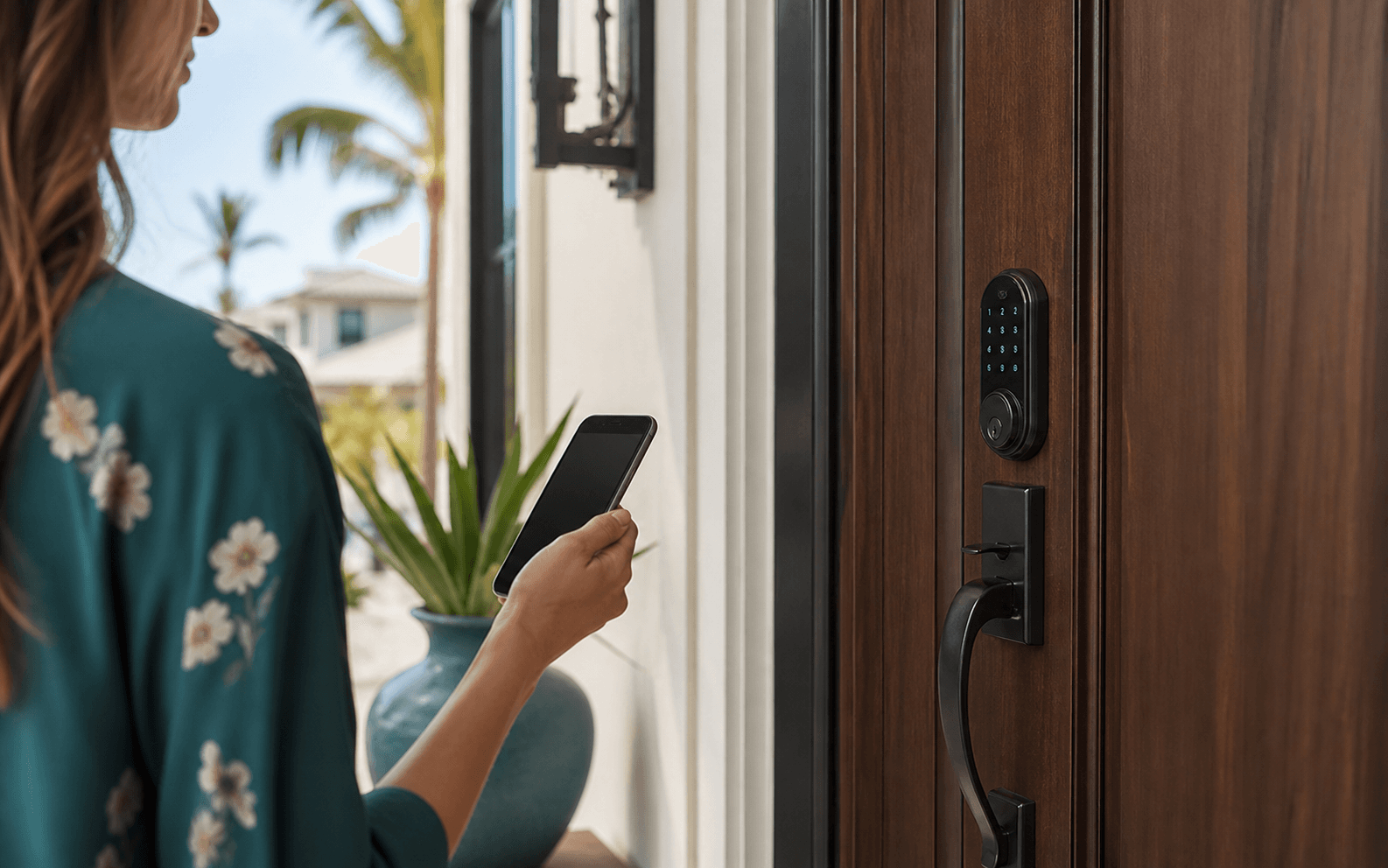
App control lets you lock and unlock your door from anywhere, receive entry notifications, and share access digitally. Essential for remote property owners and snowbirds. Downside: relies on a stable internet connection at the property.
Biometric (Fingerprint)
Fingerprint entry is convenient but has some limitations in Florida's environment. Heat and humidity can affect fingerprint scanner sensitivity. If you want biometrics, test the specific model in real-world conditions before committing to a full installation.
DIY vs. Professional Smart Lock Installation
Most smart locks are marketed as DIY-friendly. And they are — for a straightforward single-door installation on a standard door prep. But there are situations where professional installation makes sense:
- Non-standard door prep: Older Fort Myers homes may have doors prepped for different hardware sizes. Retrofitting requires carpentry.
- Deadbolt alignment issues: If your current deadbolt sticks or does not throw smoothly, a smart lock will inherit that problem. A locksmith can correct alignment before installation.
- Multi-lock or master key integration: If you are upgrading multiple doors or want to integrate with a master key system, professional installation ensures everything is keyed correctly.
- High-security upgrades: Pairing a smart lock with a high-security deadbolt on the same door requires coordination to avoid conflicts.
Our team installs smart locks alongside high-security locks, handles full access control systems, and can rekey the rest of your home at the same visit. For commercial locksmith services across Fort Myers and Southwest Florida, call 239-785-4066.
Smart Lock Cost in Fort Myers
| Option | Typical Cost |
|---|---|
| Smart lock hardware (mid-range) | $150 – $300 |
| Smart lock hardware (premium) | $300 – $500+ |
| Professional installation | $75 – $150 labor |
| Door prep adjustment (if needed) | $50 – $150 additional |
Special Considerations for Seasonal Residents
If you are a snowbird with a Naples, Bonita Springs, or Fort Myers property, smart locks offer real advantages:
- Grant and revoke access codes remotely — no mailing keys
- Monitor entry logs to confirm property managers, housecleaners, or contractors are accessing on schedule
- App-based locking means you can verify the door is locked from anywhere
- Pair with a smart home system for full remote monitoring
For seasonal residents with high-value properties, we also recommend pairing smart locks with high-security deadbolts for the best of both worlds: the convenience of smart access and the physical security of pick-resistant, bump-proof hardware.